Accessing TRS Online Services


Accessing TRS Online Services |
|
|
Page last updated 3/24/21 The TRS Account Security page is the gateway for access to the TRS Member Portal ("My TRS") and to the TRS Employer Portal.
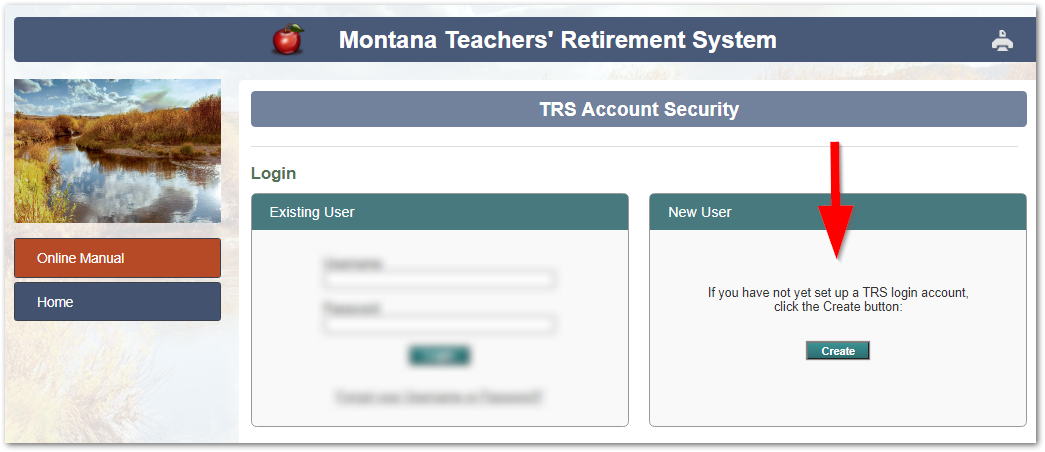
If you have never created a TRS user account: 1.Click the Create button on the right side of the TRS Account Security page:
Image of TRS Account Security page - New User section
2.The Create Account page displays next. Type in your Last Name, Birth Date and SSN as instructed.
Username and Password Requirements
•Your username must be at least six characters long. Your username will be visible to TRS Information Technology staff. ~ Usernames are not case sensitive. For example, if your username is JSmith57, the system will also accept jsmith57. ~ Do not include any spaces before, after, or within your username.
•Your password must be at least eight characters long and is not visible to anyone at TRS. Your password: ~ must contain at least one Uppercase letter and at least one lowercase letter ~ must contain at least one numeral ~ may contain special characters or symbols such as !_*&.+ (but do not use the # symbol) ~ are case sensitive. If you created a password like TxZMa2929, typing txzma2929 will not work. ~ Do not include any spaces before, after, or within your password.
•If you are a TRS active member, retiree, or other benefit recipient: The Create Account process will compare your Last Name, Birth Date, and SSN to existing TRS member account records to confirm your identity. oIf you get an error message, simply call TRS I.T. staff at (406) 444-3134 during normal business hours for assistance.
•Your Password Hint should remind you what your password is, without revealing it. (Example: favorite color + dad’s birth year.) •The answers you provide to security questions help TRS confirm your identity if you should forget your username or password later. •You will be required to update your password after 180 days. •For security, your password is encrypted in the TRS database and is not visible to anyone, including TRS. Never share your password with anyone.
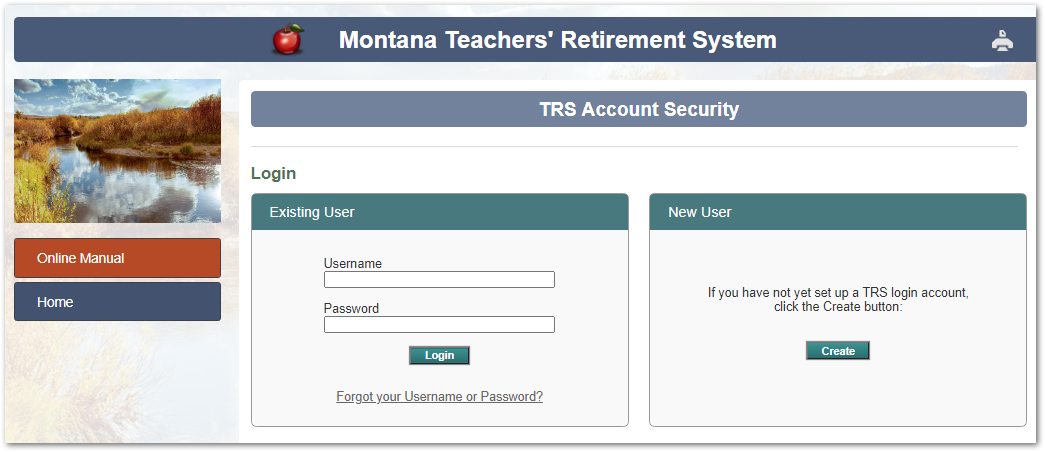
To log in with an existing account: Type your Username and Password in the Existing User section of the TRS Account Security page and click Login.
Image of TRS Account Security page
|